
Compatibility
Minecraft: Java Edition
Platforms
Supported environments


Tags
Creators
Details

See every impact!
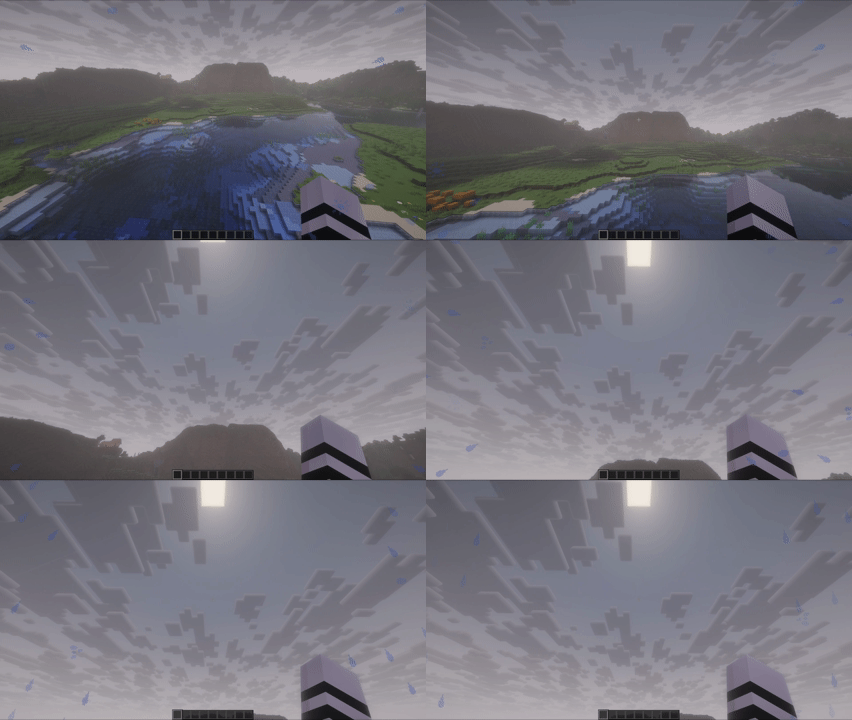
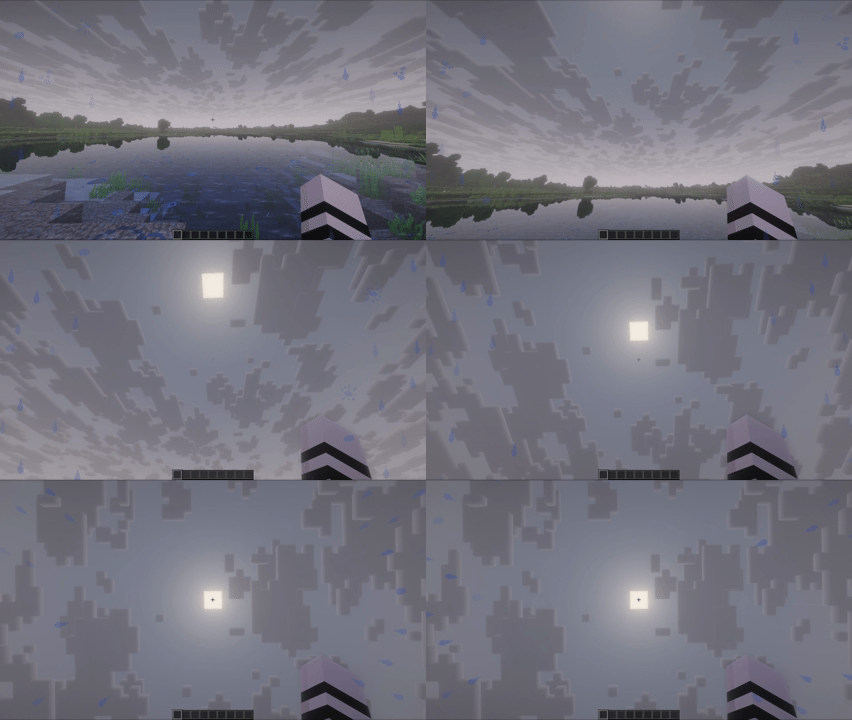
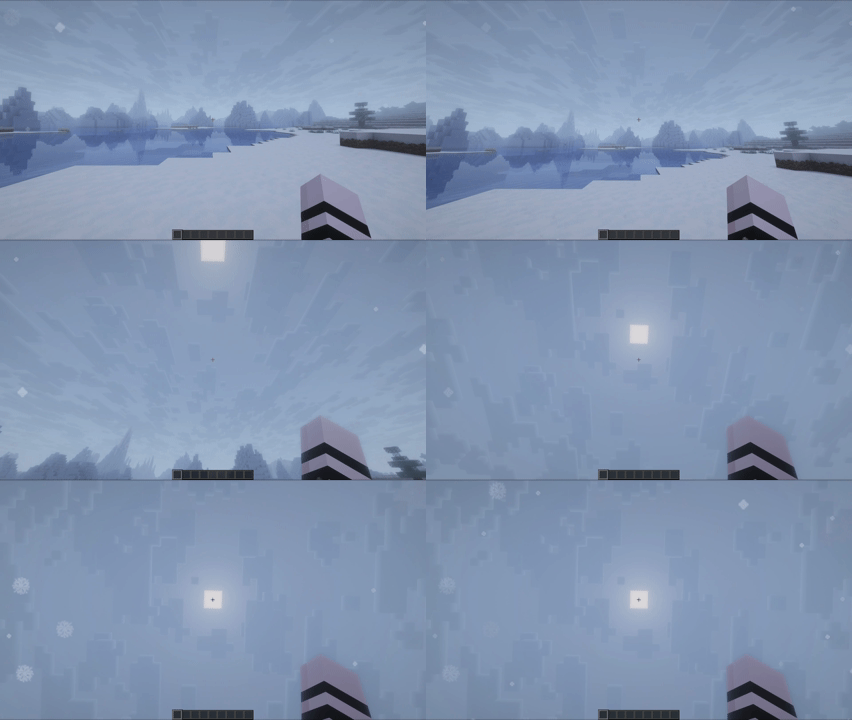
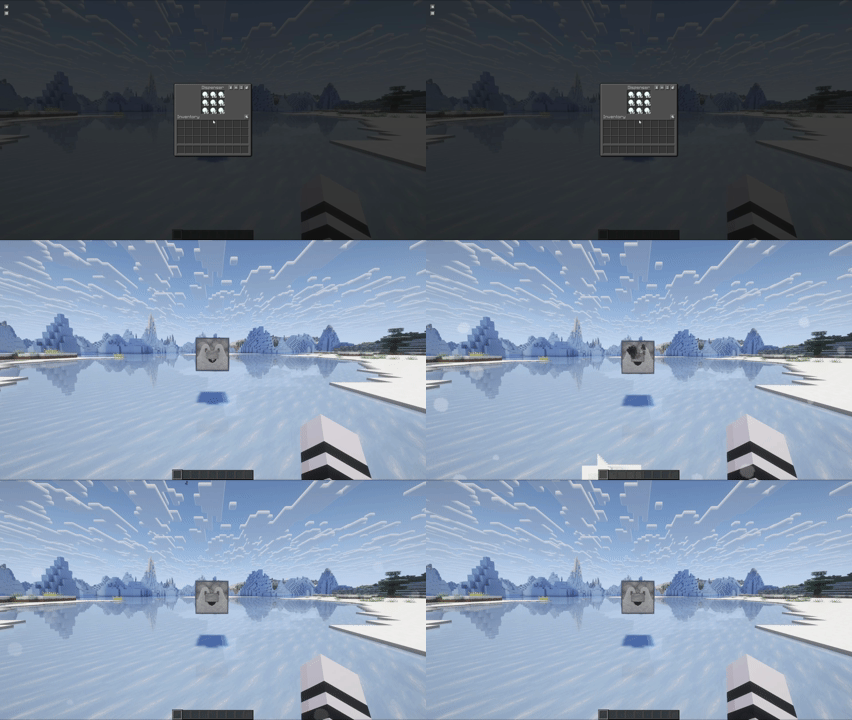
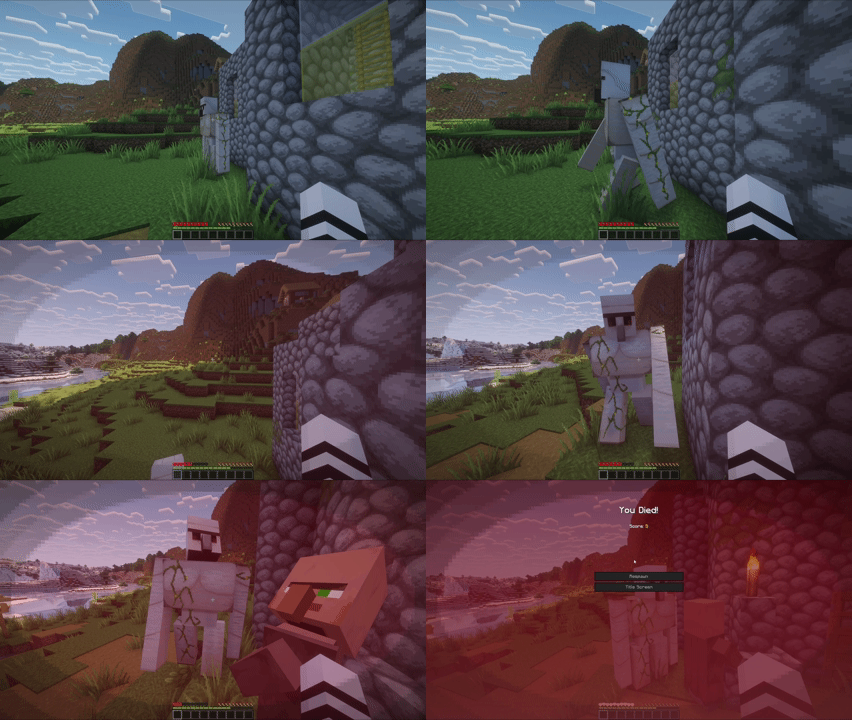
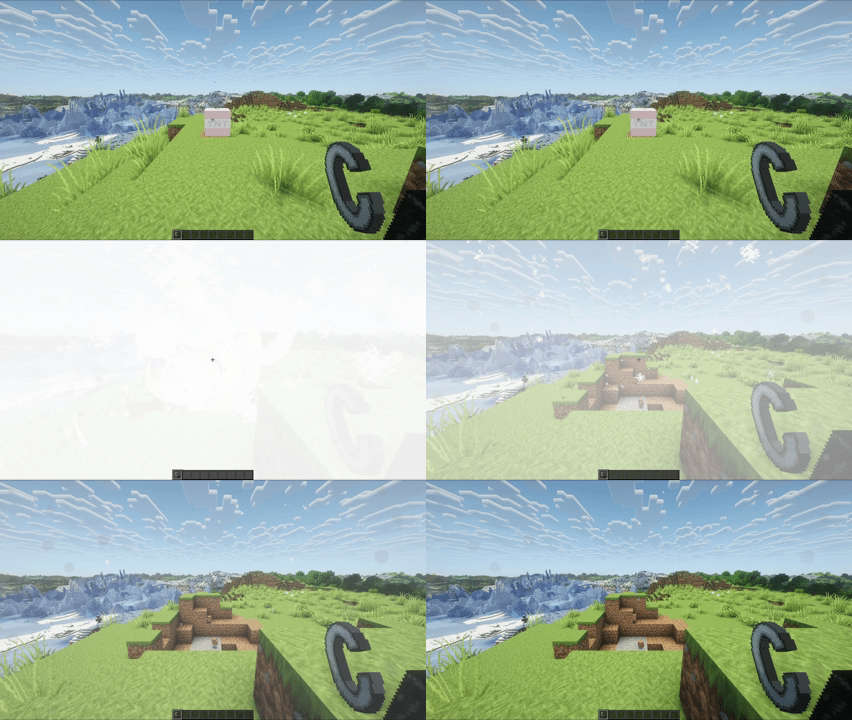
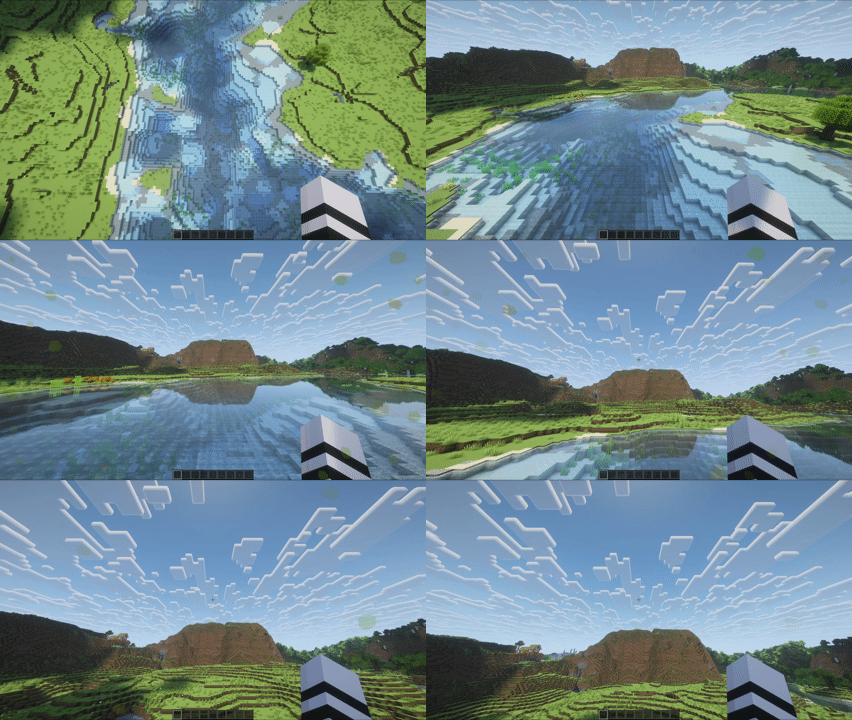
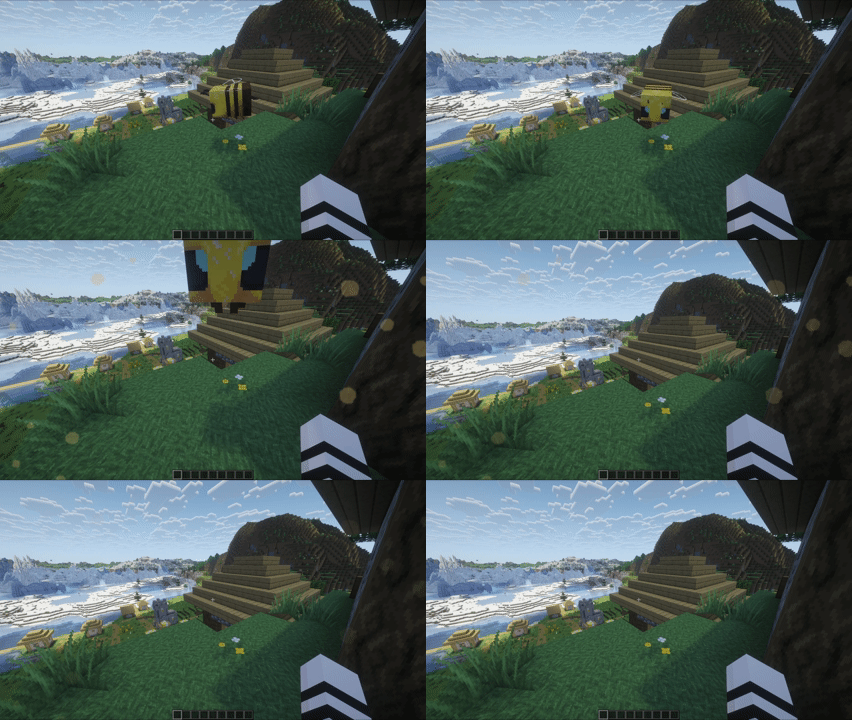
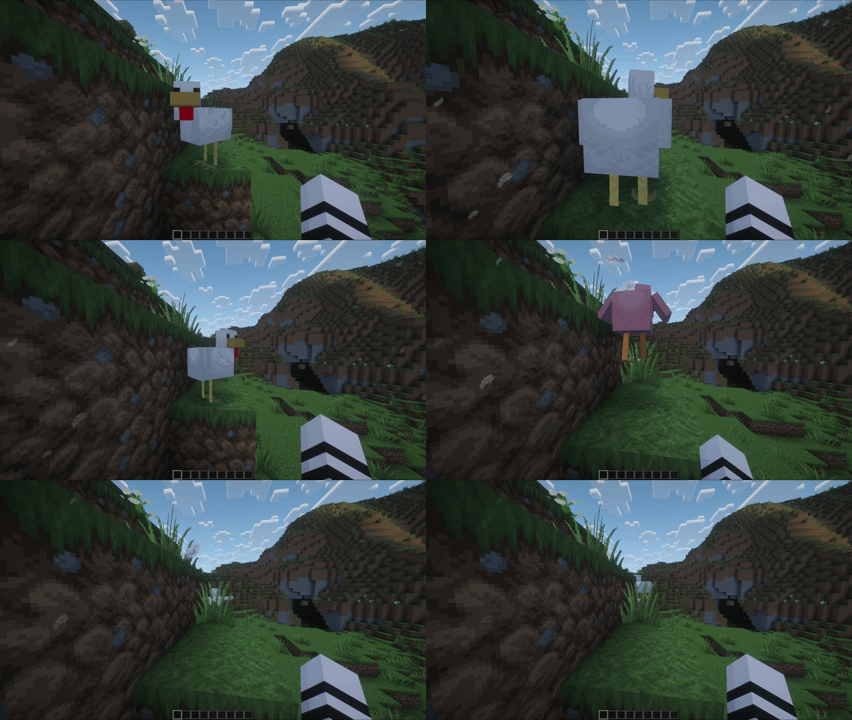
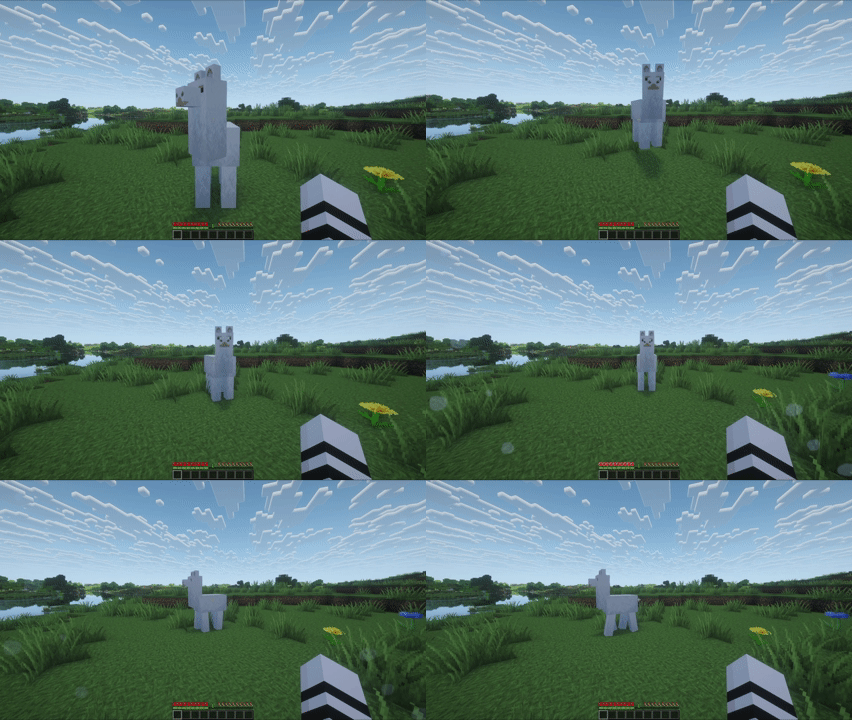
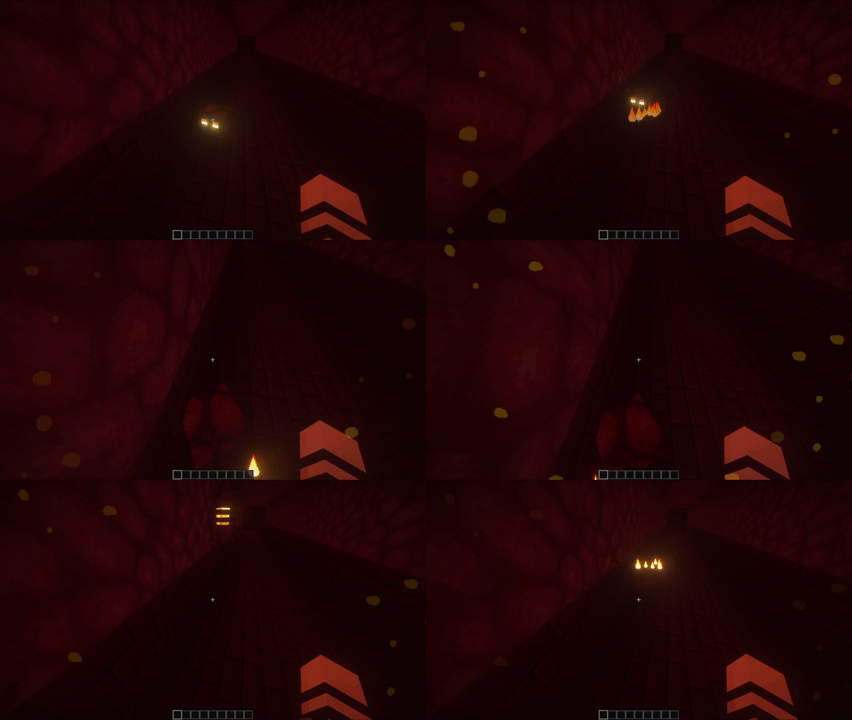
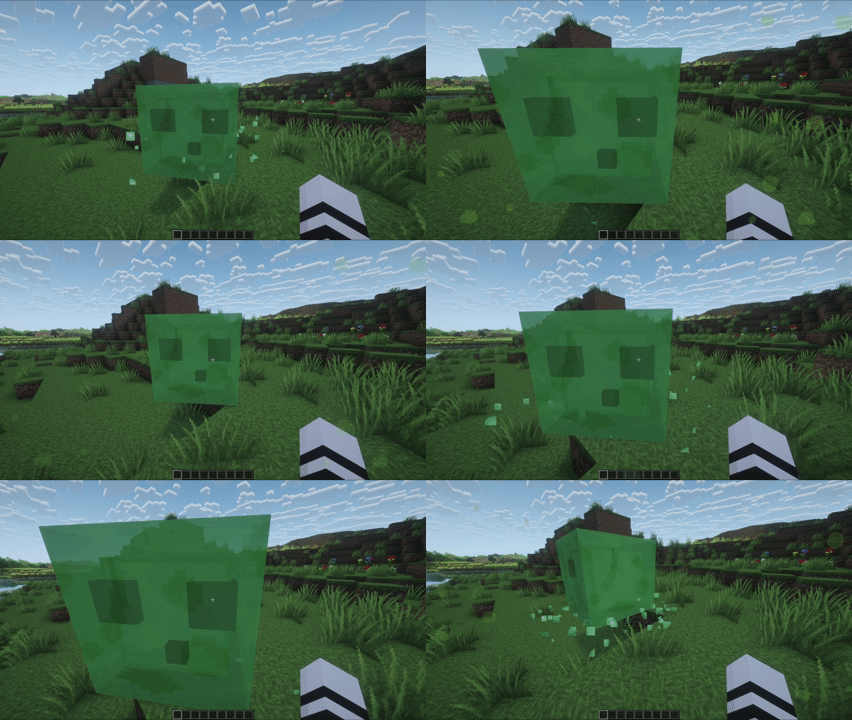
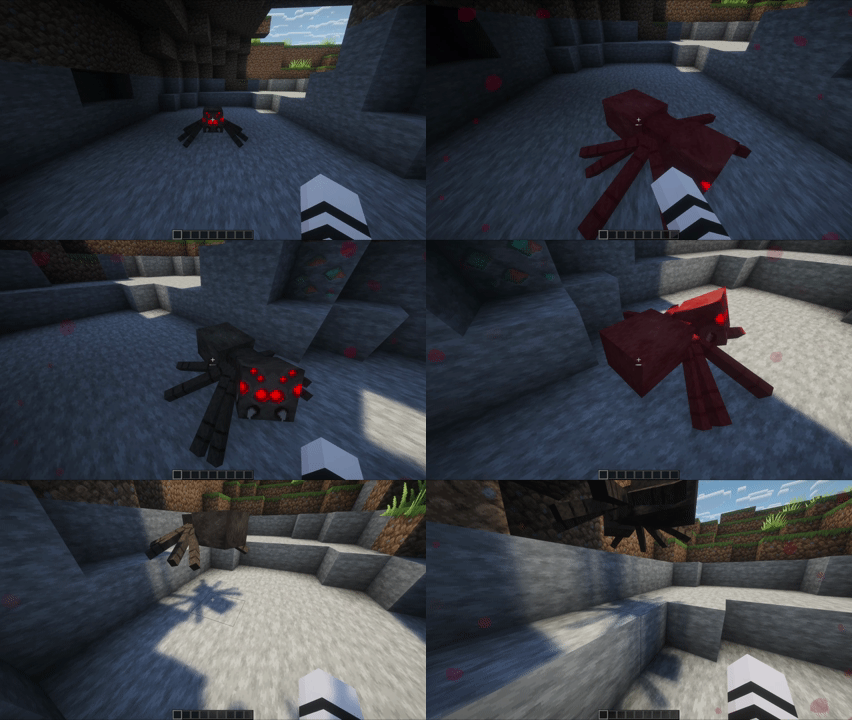
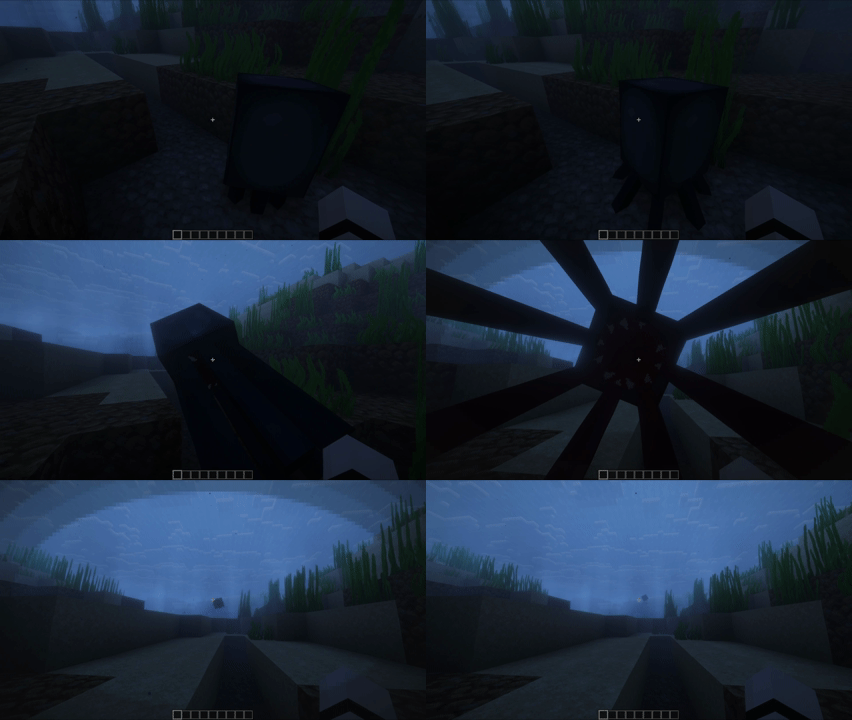
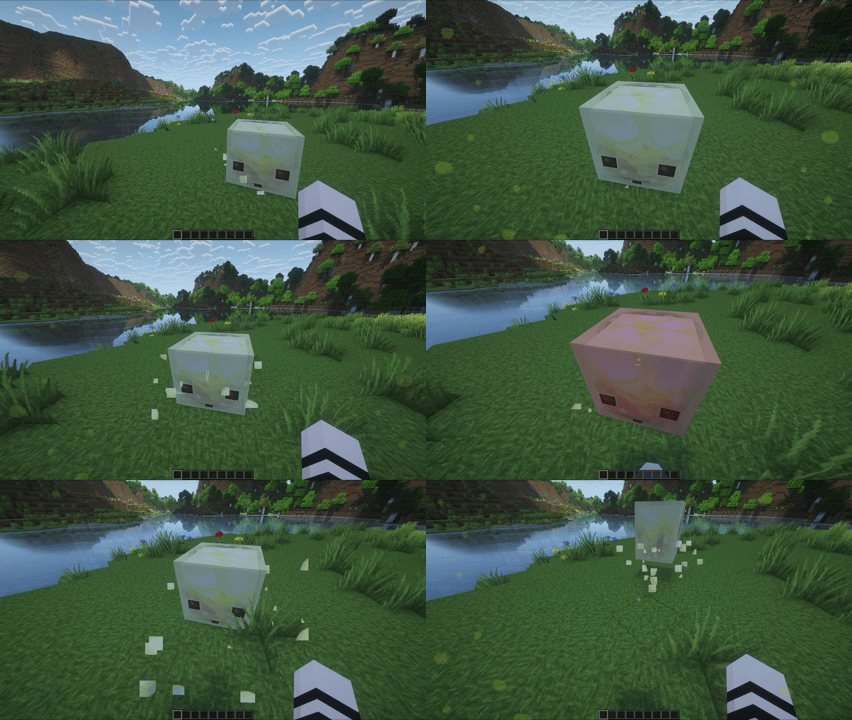
Collision Effects adds dynamic screen overlays for environment and mob interactions to make movement and impacts feel more visceral.
Showcase
 |
 |
 |
 |
 |
 |
 |
 |
 |
 |
 |
 |
 |
 |
 |
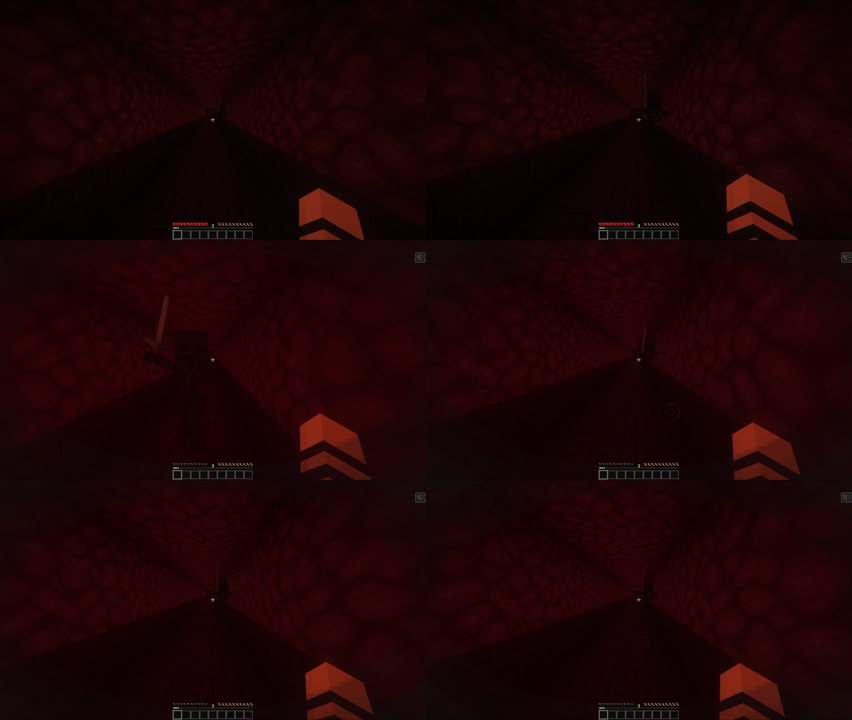 |
 |
 |
Features
- Bugs
- Biome-aware spawn multipliers
- Proximity-based spawn rate
- Damage and Status Overlays
- Instant damage tint
- Low-health tint and vignette
- Explosions
- Debris overlays
- Flash effects for close, forward-facing blasts
- Mob Interactions
- Bee pollen
- Chicken feathers
- Llama spit
- Magma splatters
- Slime splatters
- Snowball clumps
- Spider splatters
- Squid ink vignette
- Sulfur splatters
- Wither vignette
- Water and Lava
- Entry effects
- Exit effects
- Surface swimming effects
- Weather
- Behavior that responds to movement direction and velocity
- Rain streams and splashes
- Snowflakes that build and fade naturally
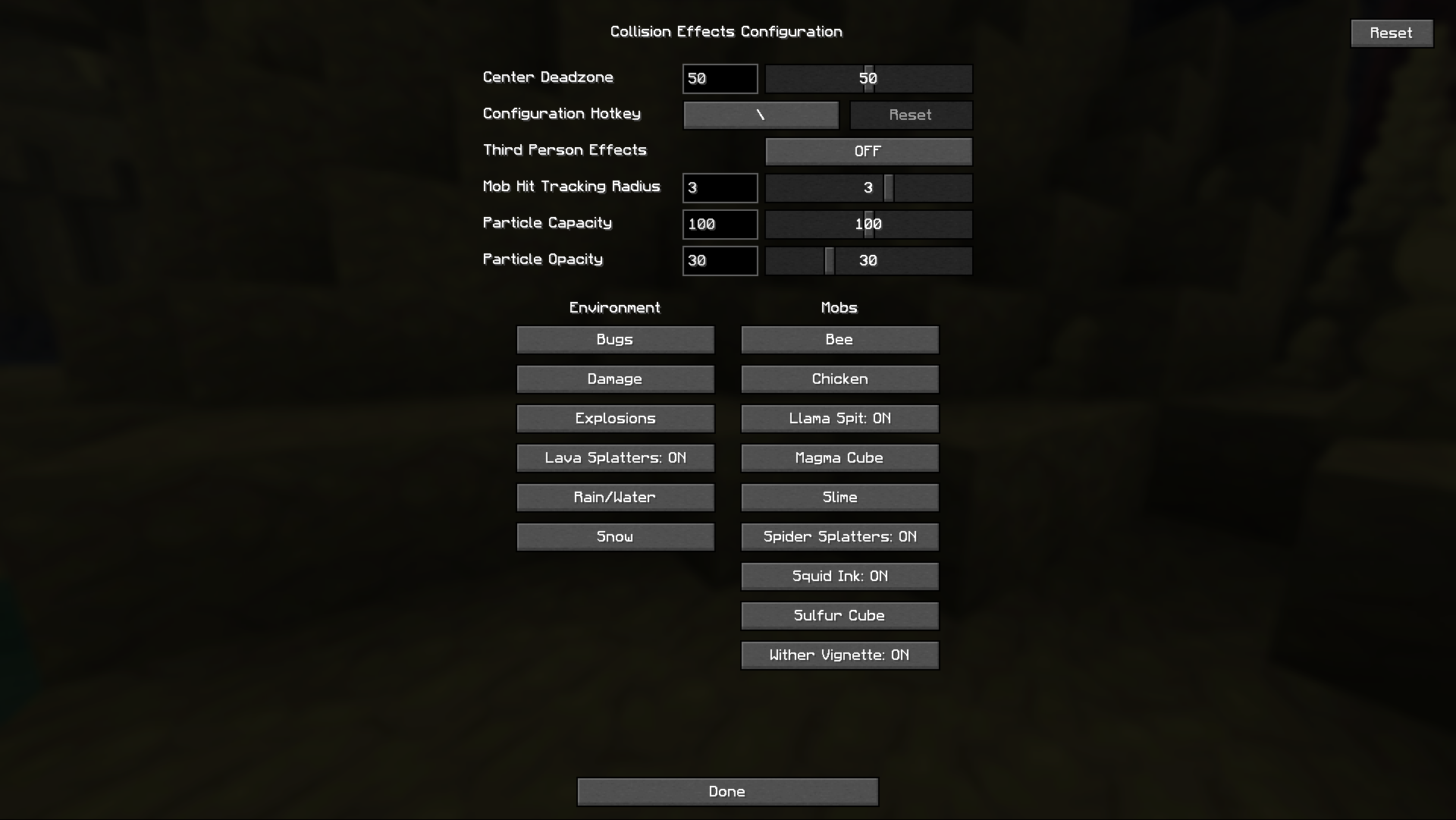
Configuration
Compatible with Mod Menu
Global controls at the top of the config screen:
- Center Deadzone (0-100, default 50)
- Configuration Hotkey (default backslash)
- Third Person Effects (default OFF)
- Mob Hit Tracking Radius (0-5, default 3)
- Particle Capacity (0-200, default 100)
- Particle Opacity (0-100, default 25)
All effects have toggles and some have effect-specific sliders.
You can reset individual effects or the entire configuration.
If you like cosmetic mods like this, you should check out my modpack!